

META Pricing Update 2026: New Charges for Service Messages from 1st October 2026

Meta is changing WhatsApp Business Platform pricing from October 1, 2026. Here’s everything Wabotick users need to know about Service Messages, Utility Templates, the 1,000 free monthly messages, and how billing will work. If you use WhatsApp for customer support, automation, order updates, or bot conversations, there is an important WhatsApp pricing update coming your […]
External HTTP API Integration in WaBotick Chat Bot Flow

With WaBotick, you can integrate external APIs and incorporate them into the Flow Builder to enhance the capabilities of your chatbot automation. This feature allows for a seamless connection between WaBotick and external platforms for tasks such as data retrieval, form submissions, user updates, and more. WaBotick’s HTTP API integration is a versatile feature that […]
How to Display WooCommerce Products Inside WhatsApp using WaBotick Interactive Dynamic List Buttons
Introduction Integrating your WooCommerce store with WhatsApp is a powerful way to engage customers and showcase your products directly in their chat interface. With WaBotick, you can dynamically fetch WooCommerce product data and display it as interactive lists within WhatsApp. This guide will walk you through the entire process, step by step.If you’re new to […]
How to Use Dynamic Lists (Interactive) in WaBotick Official WhatsApp API for Complex Chatbot
How to Use Dynamic Lists in WaBotick Dynamic lists in WaBotick allow you to createinteractive WhatsApp messagesby dynamically generating rows using data stored in custom fields. These lists are based on JSON objects, where each row’s title, description, and values are populated by specifying the requiredkeys(likeproduct_name,price, etc.). This guide will walk you through how to […]
Official WhatsApp Cloud API vs Unofficial WhatsApp API (2026): Complete Comparison, Risks & Best Choice for Businesses
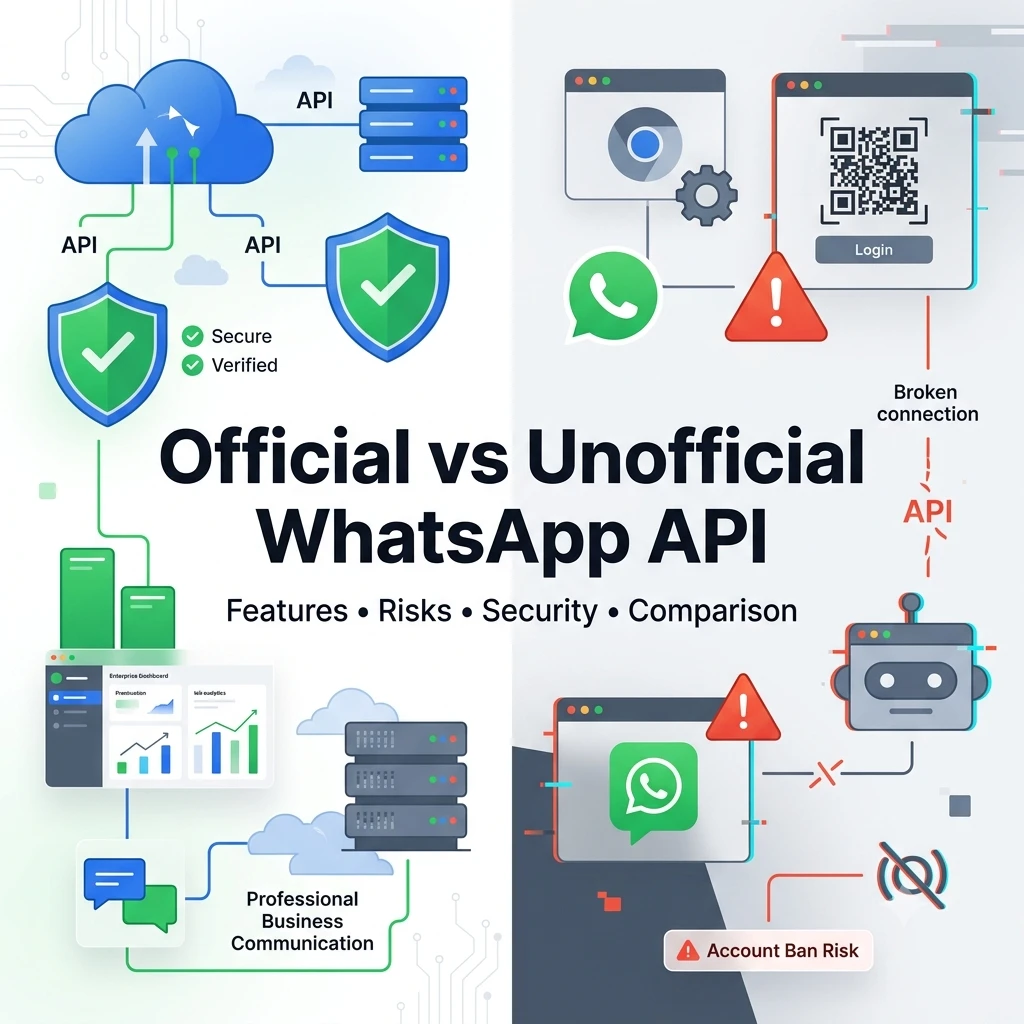
Official WhatsApp Cloud API vs Unofficial WhatsApp API If you’re planning to build a WhatsApp chatbot, CRM integration, customer support system, or marketing automation platform, one of the first questions you’ll face is: Should I use the Official WhatsApp Cloud API or an Unofficial WhatsApp API? The answer depends on your business goals, scalability requirements, […]
Meta Global Outage Impacts Official WhatsApp, Facebook, Instagram and Business Automation Services
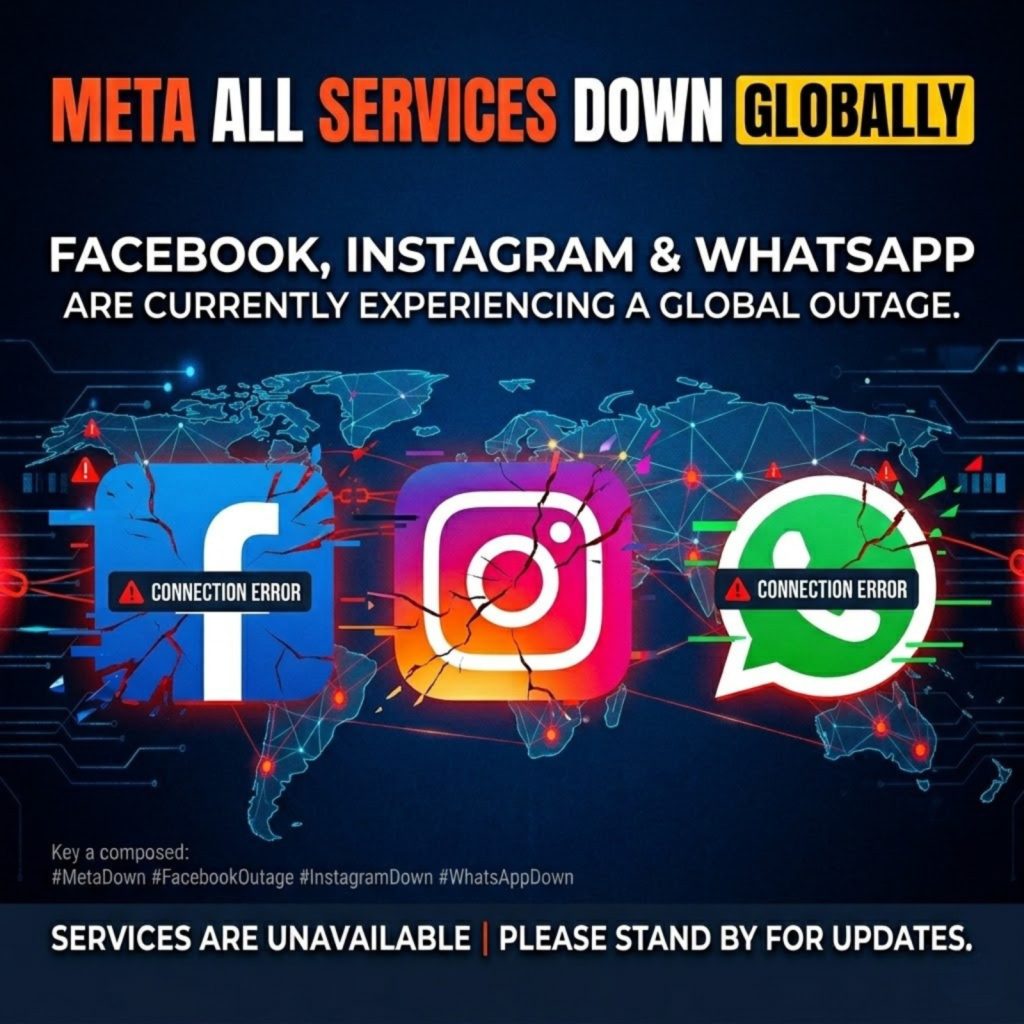
Today, Meta experienced a widespread global outage that affected several of its major platforms, including WhatsApp, Facebook, Instagram, Messenger, and business-related services. The disruption impacted millions of users worldwide and also affected businesses that rely on Meta’s ecosystem for customer communication, marketing, and automation. What Happened? Reports of service interruptions began appearing globally as users […]
How to Appeal a Meta Developer Account Suspension : Platform Term 7.e.i.3 – Disallowed use of apps (Step-by-Step Guide)
How to Appeal a Meta Developer Account Suspension: Step-by-Step Guide If your Meta Developer account has been suspended, you can submit an appeal through Meta’s official Direct Support system. This guide walks you through the process. Understanding Platform Term 7.e.i.3 What is Platform Term 7.e.i.3? This violation states: “Disallowed use of apps – We determined […]
🔐 Secure Your WaBotick Account: Enable 2FA for Maximum Protection

If you’re using Wabotick to manage your WhatsApp API, campaigns, and client data — your account security is critical. A single unauthorized login can lead to: 👉 That’s why enabling 2-Factor Authentication (2FA) on your WaBotick account is a must. 🚨 Why WaBotick Account Security Matters Your WaBotick dashboard controls: Without proper security, your entire […]
The AI Revolution Isn’t Coming — It’s Here: How Businesses Can Adapt with WaBotick AI Agent
The AI revolution is no longer a prediction—it’s actively reshaping businesses and the workforce. Recent news from Oracle, announcing tens of thousands of layoffs, highlights the growing trend: companies are investing heavily in AI infrastructure to scale operations efficiently. For business leaders and professionals, this is a wake-up call: automation and AI are transforming the […]
Instagram Down: Thousands of Users Report Messaging Issues Worldwide

Instagram recently experienced a widespread outage that affected thousands of users across different regions. The issue primarily impacted Instagram Direct Messages (DMs), preventing many users from sending or receiving messages. Several users reported that their chats were not loading, messages were stuck on sending, or conversations were failing to update. As reports increased, it became […]
